First read
Start with the sport, match name and room label. If those three items are not clear, stop and re-check the screen instead of following the next prompt.

Fantasy sports screens mix sport names, timing, cards and prompts. A slower order helps adults avoid reacting to the brightest part first.
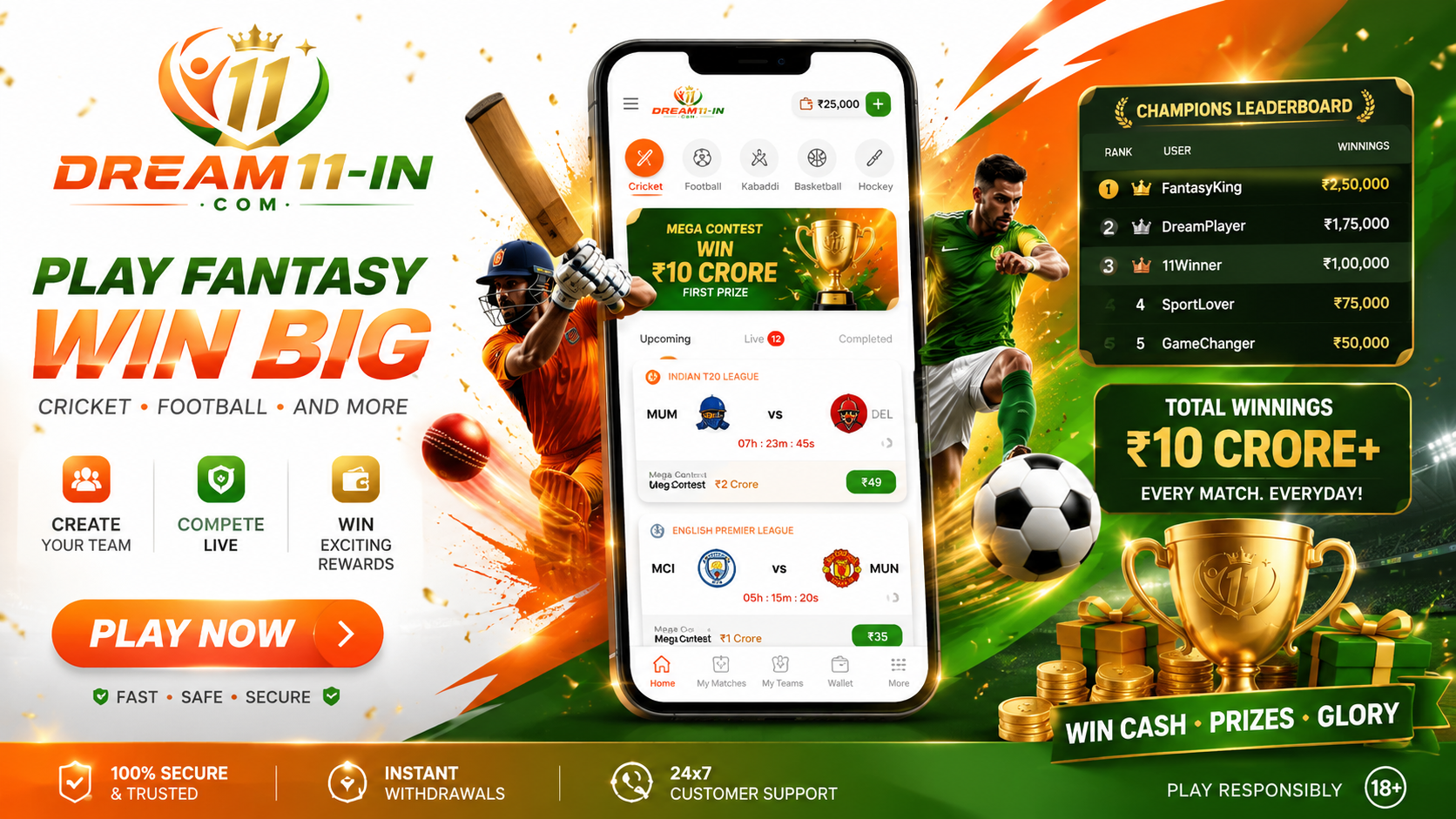
Start with the sport, match name and room label. If those three items are not clear, stop and re-check the screen instead of following the next prompt.
Look for countdowns, highlighted cards and action buttons. Bright areas can create speed, so give yourself a short pause before making any choice.
Check whether the screen asks for personal, payment or account details. Never share private information through an unknown page or message link.
Leave the screen if you cannot explain what it is asking, if you feel rushed, or if you are opening the same card again and again.